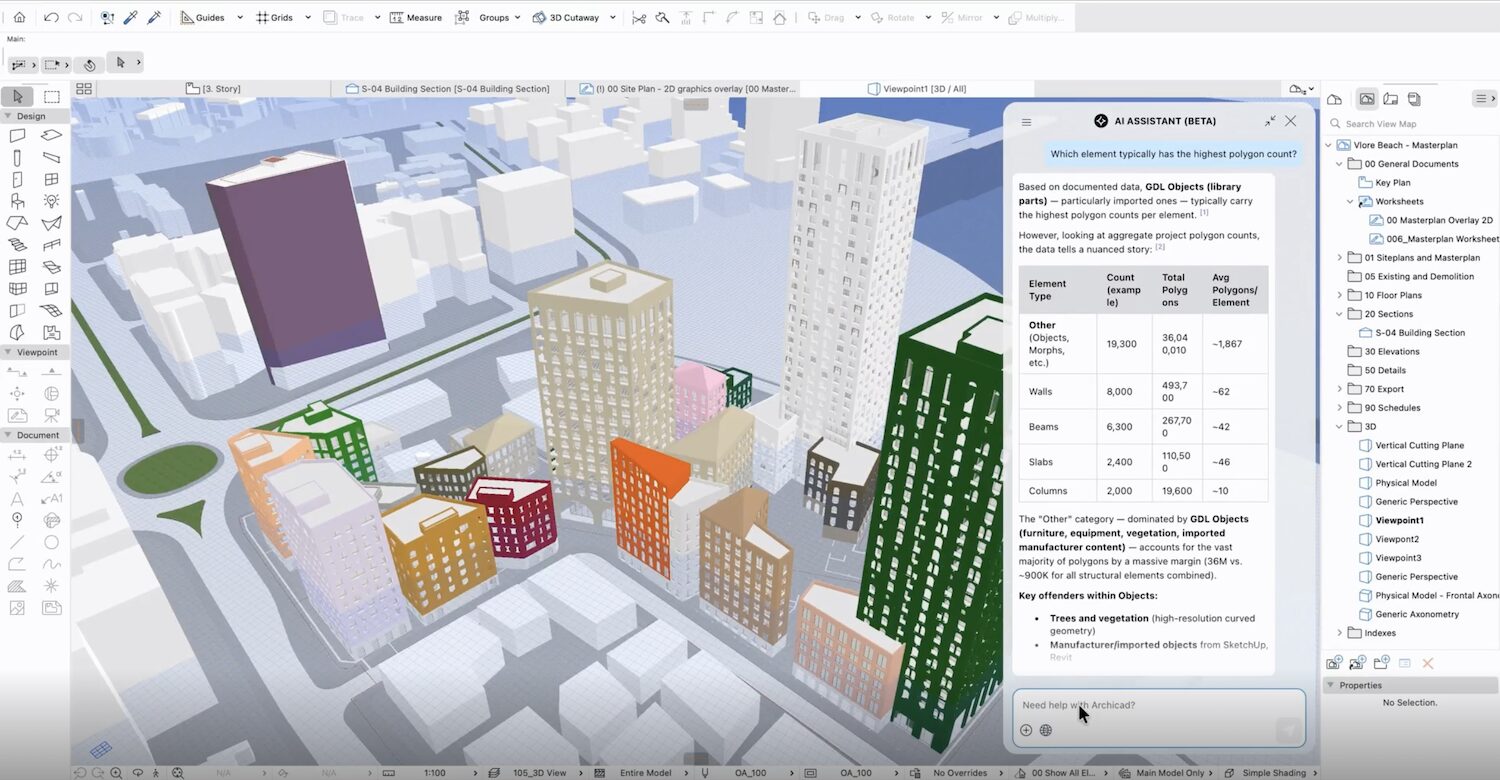



Graphisoft’s 2026 updates pave the way for more AI workflows
12 October 2026

Autodesk University 2026 has kicked off in Las Vegas with the software giant announcing increased civil engineering functionalities.
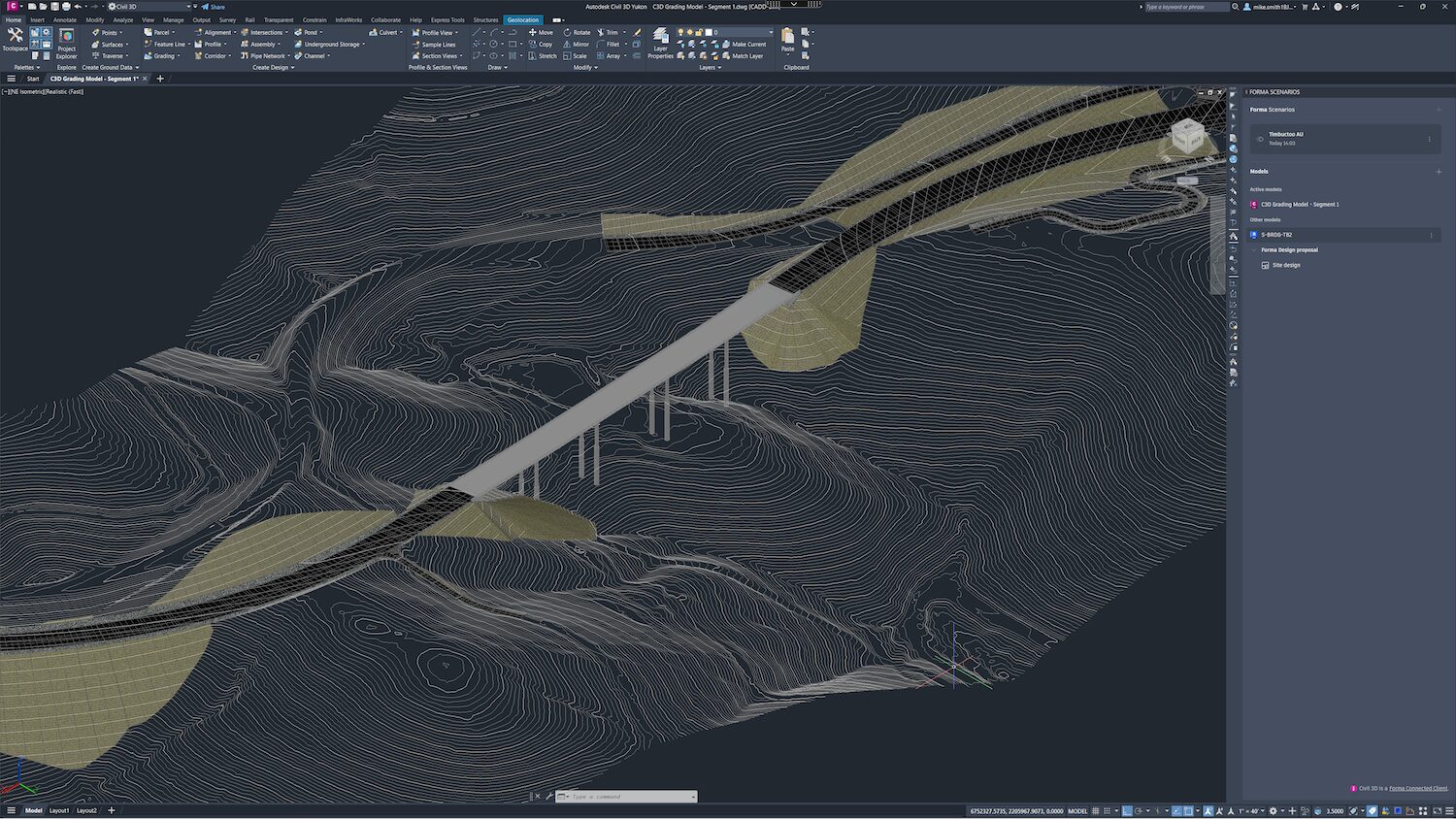
In response to customer feedback that every building project is also a civils project, Civil 3D has become the latest Forma connected client. “Designers can bring Civil 3D data into Forma as a starting point for planning and building design, while civil engineers can continue using the detailed workflows they rely on, helping teams maintain project context more consistently and reducing the need to rebuild information as projects advance,” said Amy Bunszel, executive vice-president of architecture, engineering and construction solutions at Autodesk.
Alongside this development, Autodesk has announced Forma Street Design, which enables civil engineers and transportation planners to shape urban streets during early-stage design. Bunszel said: “[Forma Street Design enables users to] explore lane configurations and intersections within a real-world context, design in 2D plan and section in sync, and test turning movements with vehicle tracking. Teams can explore changes live with stakeholders, and then carry the design, without rework, directly into Civil 3D for detailed engineering.”
Forma Street Design is available in beta.
Autodesk is extending connected infrastructure workflows in other ways:
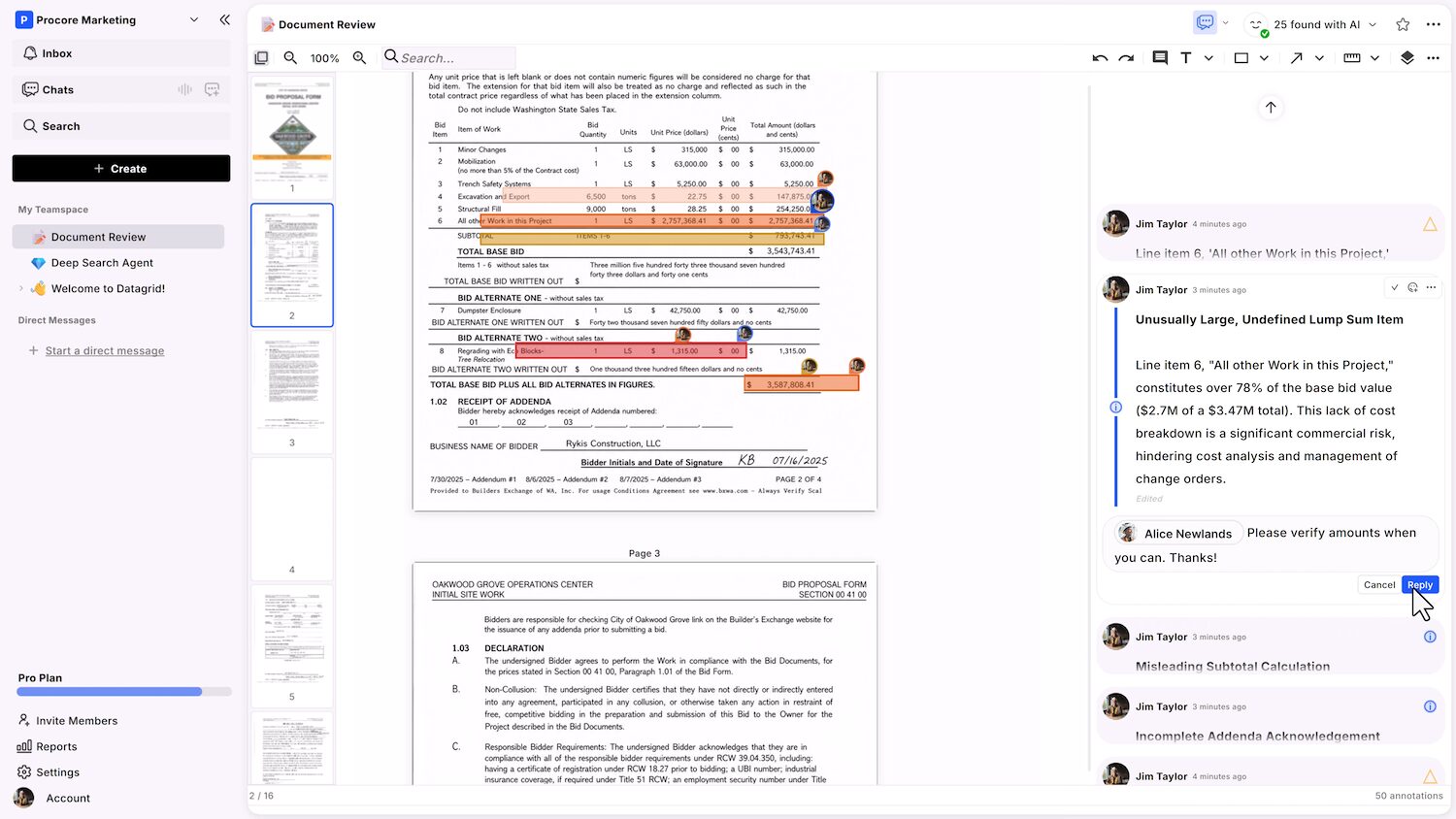
Autodesk also revealed details of its next generation of AI assistant. It is built around three priorities:
Behind the scenes, an ‘AI orchestrator’ evaluates models based on the needs of a particular task, including accuracy, speed, security, and cost, allowing the system to draw on different forms of intelligence rather than relying on a single model for every problem.
Keep up to date with DC+: sign up for the midweek newsletter.